
By Hridoy Ahmed | Last updated: October 26, 2026 | 9 min read
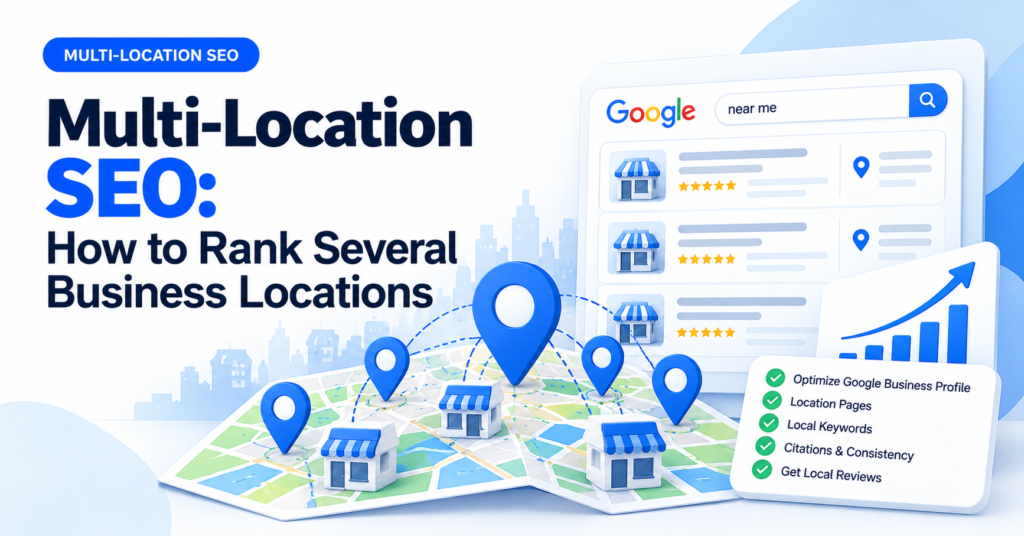
Short answer: Multi-location SEO means helping each of your business locations show up in local search. The core setup is one Google Business Profile for each real location, one useful page for each location on your website, the same name, address and phone details everywhere, and reviews and local content for each place. Do not copy one page and only change the city name. That is thin content and can look like spam.
In this guide
- What multi-location SEO involves
- Google Business Profile for each location
- Location pages that work
- What each location needs
- Site structure
- Service-area businesses
- Common mistakes
- FAQ
What multi-location SEO involves
If you have several branches, shops or offices, each one competes in its own local search. A search for “dentist in Leeds” and one for “dentist in Bristol” show different businesses. So each location needs its own signals: a profile, a page, reviews and consistent details. The brand’s main site supports all of them.
Google Business Profile for each location
- One profile per real location. Google’s guidelines say a business location should be a real place that customers can visit or that you serve in person. Do not create profiles for virtual offices or addresses that are not staffed. This can lead to suspension.
- Use the right name. Use your real business name, as it is used in the real world. Do not add city names or keywords to it.
- Pick accurate categories, hours and services for each location. A branch may have different hours or services from the main one.
- Link each profile to its own location page, not to the home page.
- Manage them together. Google allows you to manage many profiles in one place. Check its current options for bulk management.
For the profile basics, see how to optimize your Google Business Profile.
Location pages that work
A location page is the page that tells searchers about one specific branch. A good one has details that only apply to that place:
- The address, phone number, opening hours and a map
- Directions, parking and nearby landmarks
- The services offered at that location
- Staff or team photos from that branch
- Reviews or testimonials from customers of that location (real ones only)
- A short list of questions people ask about that branch
Google warns against doorway pages: many similar pages built for slightly different searches that lead visitors to the same place. A page that only swaps “Leeds” for “Bristol” in the same text is the typical example. Each page must be useful by itself. See my local SEO page checklist.
If you want an expert to plan your location pages, see my Local SEO service.
What each location needs
| Item | For each location | Shared across the brand |
|---|---|---|
| Google Business Profile | Own profile, hours, photos, posts | Brand name and branding |
| Website page | Own location page with unique content | Site design and main service pages |
| Name, address, phone | Exact details for the branch | Same format and brand name |
| Reviews | Collected for that branch | Same review policy |
| Citations | Listings with the branch’s address | Same brand name and logo |
| Local keywords | Service + that area | Main service keywords |
| Tracking | Profile insights and Search Console by page | Brand reporting |
Site structure
- Locations hub page. A page such as
/locations/that lists all branches and links to each. - One page for each location. For example,
/locations/leeds/. Link it from the hub and from the footer or menu where it makes sense. - Link to services. Each location page links to the services offered there. Main service pages can link back to the locations.
- Add local business structured data (schema) to each location page, with that branch’s details. Make sure the visible page matches the data.
- Keep URLs short and clear. See my guide to SEO-friendly URL structure.
Keep the details consistent everywhere. See NAP consistency and local citations.
Service-area businesses
Some businesses go to the customer, such as plumbers or cleaners, and do not have a shop. They can set a service area in their profile and hide the address if Google allows it. Your website can have pages for the main areas you really serve, as long as each page has real, useful information. Do not list dozens of towns just to catch searches. See local keyword research to choose the areas.
Common mistakes
- Copying one page for every city. It gives visitors nothing new.
- Fake or virtual locations. Google can suspend those profiles.
- Different names or numbers across listings. It confuses people and search engines.
- Sending all profiles to the home page. Each profile should link to its own page.
- Sharing reviews between locations. Customers review a specific place.
- No tracking per location. You cannot see what works.
FAQ
Do I need a separate page for each location?
Yes, if you have separate physical locations. Each page should have unique, useful content for that place.
Can I use one Google Business Profile for several locations?
No. Each real location should have its own profile, following Google’s guidelines.
How many location pages are too many?
There is no set number. The question is whether each page is useful and tied to a place you really serve.
Should the location pages be in the main menu?
Link to the locations hub from the menu or footer. The hub then links to each branch.
How do I handle reviews with many branches?
Ask customers to review the branch they visited. Reply to reviews at each location. Never post fake reviews.
Running more than one location? I set up the profiles, pages and details so each branch has a clear path in local search. See my Local SEO service.
About the author: Hridoy Ahmed is an SEO specialist and WordPress security expert based in Dhaka, Bangladesh. He has 8+ years of experience and works with clients worldwide.