
By Hridoy Ahmed | Last updated: October 25, 2026 | 8 min read
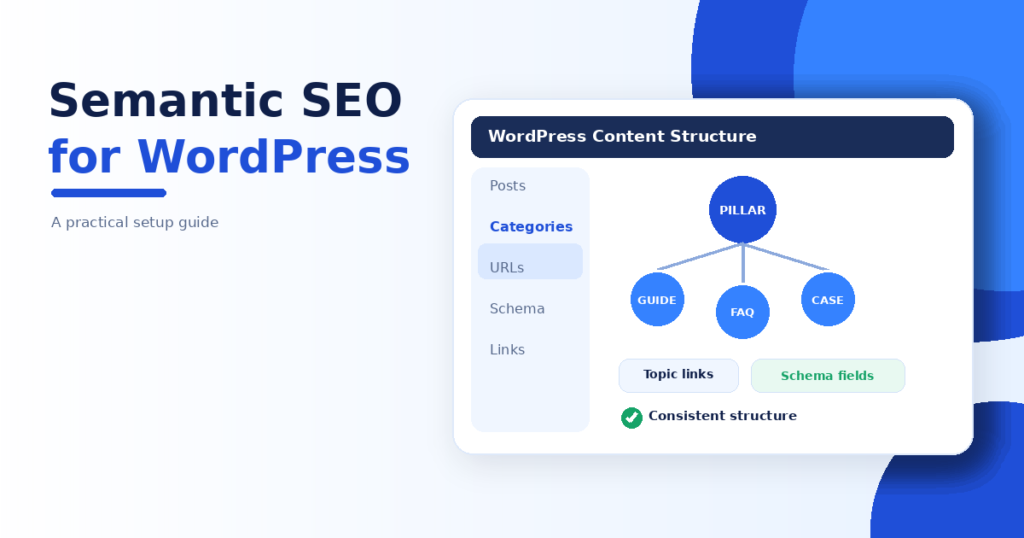
Short answer: To do semantic SEO on WordPress, pick one central topic, keep your categories and URLs clean, plan internal links on purpose, let one plugin output your schema and write answer-first pages that each serve one search intent. WordPress and a good SEO plugin give you the tools. The planning is up to you.
WordPress is a great base for semantic SEO, but its default settings do not plan anything for you. Here is a practical setup, step by step. For the theory, read my semantic SEO guide.
Step 1: Decide the central topic
Write one sentence: “This site is about [topic] for [audience].” Every category and post should connect to it. If you cannot connect a post to that sentence, it probably does not belong.
Step 2: Clean up categories and tags
- Use a few clear categories that match real subtopics.
- Avoid tags that hold only one post. They create thin archive pages.
- Use one primary category per post.
Step 3: Keep URLs short and stable
Use readable slugs, like /semantic-seo-guide/. If you change the URL of a page that is already indexed, add a 301 redirect so you do not lose it.
Step 4: Plan internal links
- Link each guide to its main service or pillar page.
- Link the pillar page down to its important cluster posts.
- Add one or two links between close sibling posts.
- Write links inside the text with clear anchor text. A “related posts” widget alone is not enough.
A crawler such as Screaming Frog can show you pages with few or no internal links.
Step 5: Set up schema once
Let one plugin, such as Rank Math, output your Article and Person data. Then check the page with a schema testing tool to make sure your theme or another plugin is not adding a second copy. Keep your name, bio and links the same as on your About page. More in my guide to adding schema markup to WordPress.
Step 6: Use your SEO plugin’s pillar option
Rank Math has a “Pillar Content” setting. It helps the plugin with its link suggestions and checks. It is not a Google signal, so use it as a reminder of which page is your main one.
Step 7: Keep heading order clean
Each page should have one H1. Use H2 for sections and H3 for details. If you use a page builder like Elementor, choose headings by meaning, not by size, because search engines read the structure.
Step 8: Keep the site fast
Compress images, limit heavy plugins and test on a phone. A fast page is easier to crawl and nicer to read.
Common WordPress mistakes
- Publishing the same topic on two posts.
- Leaving old test posts and sample pages online.
- Using two plugins that both output schema.
- Changing slugs without redirects.
- Letting archives, tags and attachment pages create thin pages.
FAQ
Which WordPress plugin is best for semantic SEO?
No plugin does semantic SEO for you. An SEO plugin such as Rank Math or similar handles titles, schema and sitemaps. The topic map and writing are your work.
Do I need a special theme?
No. A fast, clean theme with correct heading structure is enough.
Can I do this with the free version of Elementor?
Yes. The free version is enough for pages and headings, as long as you keep a clean structure.
Want your WordPress site structured the right way? I check your categories, links and schema and fix what holds the site back. See my SEO and technical SEO services.
Related reading: how to build a topical map and semantic SEO automation.
About the author: Hridoy Ahmed is an SEO specialist and WordPress security expert based in Dhaka, Bangladesh, with 8+ years of experience.