
By Hridoy Ahmed | Last updated: October 2026 | 7 min read
Short answer: The honest way to get indexed faster is to make your page easy to find and worth indexing: add it to your sitemap, link to it from other pages, and request indexing in Search Console. Google’s Indexing API is not a shortcut for normal pages. Google says it is only for pages with job posting or livestream (BroadcastEvent) structured data. No method can force Google to index a page.
In this guide
- How Google finds and indexes pages
- 7 safe ways to speed up indexing
- Does the Indexing API help?
- What about IndexNow?
- Common mistakes
- FAQ
How Google finds and indexes pages
Google finds a page, crawls it, and then decides whether to add it to its index. Finding and crawling do not guarantee indexing. A new site, a page with weak content or a page with no links can wait a long time. If Google has seen your page but did not index it, read what “Crawled – currently not indexed” means.
7 safe ways to speed up indexing
- Submit an XML sitemap. See how to create and submit a sitemap.
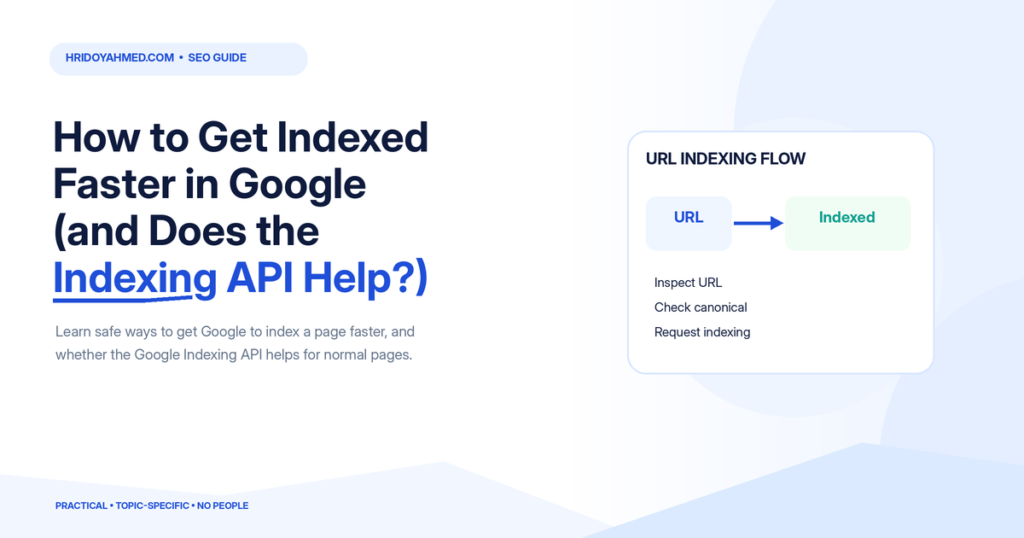
- Use “Request indexing”. In Search Console, inspect the URL and request indexing. There is a daily limit, so use it for important pages.
- Link to the page from your own site. Add links from your homepage, menu or related posts. Pages without links are hard to find.
- Make sure the page can be crawled. No noindex tag, no robots.txt block, and a normal 200 status.
- Publish content that is worth indexing. Unique, helpful pages are more likely to be added.
- Avoid duplicates. Use a clean URL and a correct canonical tag.
- Get a link from another site. A link from a site that Google already crawls often helps it find your page.
If your pages stay out of the index, a technical review can find the cause. See my technical SEO service.
Does the Indexing API help?
Google’s Indexing API lets a site tell Google when a page is added or removed. Google’s documentation says it can only be used for pages with JobPosting structured data or BroadcastEvent embedded in a VideoObject. It is not supported for blogs, service pages or product pages. Plugins that use it for other pages are working outside what Google supports, and the results are not guaranteed. I would not build a plan around it.
What about IndexNow?
IndexNow is a protocol that lets you tell participating search engines about new or changed URLs, and Bing supports it. At the time of writing I have not seen Google confirm support, so check current documentation before you rely on it. It can still help with Bing.
Common mistakes
- Requesting indexing again and again for the same URL
- Using a plugin that sends every page to the Indexing API
- Publishing thin pages and expecting fast indexing
- Leaving a noindex tag from the development stage
- Having no internal links to the new page
FAQ
How long does Google take to index a new page?
It can take from a few hours to several weeks. It depends on your site, your links and the page quality.
Can I force Google to index my page?
No. You can ask and make it easy, but Google decides.
Does the Google Indexing API work for blog posts?
Google says it is only supported for job posting and livestream pages. Using it for other content is not supported.
Is Request Indexing safe to use?
Yes. It is a normal Search Console feature. Use it for important new or updated pages.
Why is my new page not indexed?
Common causes are no links to the page, a noindex tag, thin or duplicate content, or a new site that Google has not trusted yet.
Pages stuck outside Google? I will check what is blocking them and fix it. See my SEO and technical SEO service.
About the author: Hridoy Ahmed is an SEO specialist and WordPress security expert based in Dhaka, Bangladesh. He has 8+ years of experience and works with clients worldwide.