
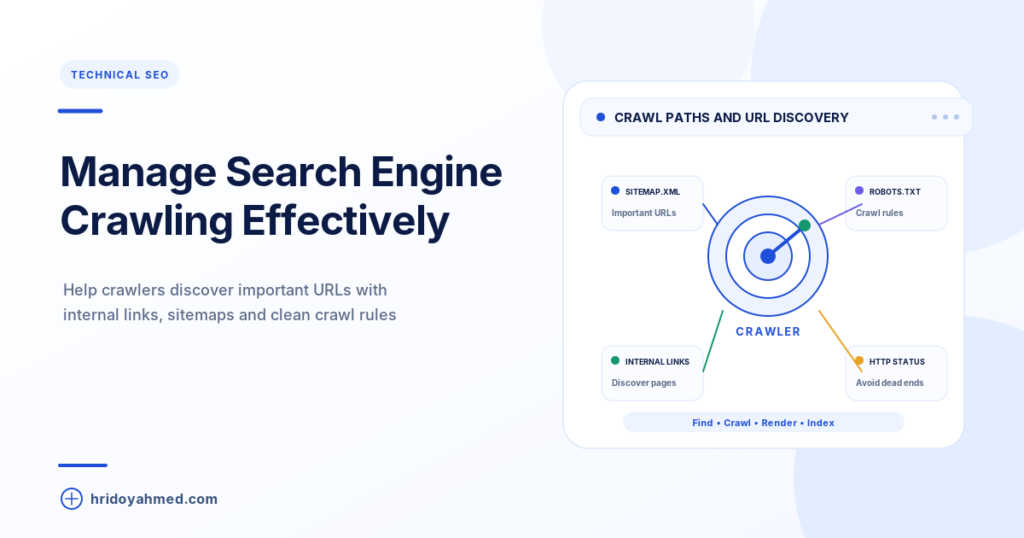
By Hridoy Ahmed | Last updated: October 2026 | 7 min read
Short answer: Crawl budget is the number of URLs Google can and wants to crawl on your site. Google says most sites do not need to worry about it. It mainly matters for very large sites, or sites with lots of duplicate, low-value or auto-generated URLs. If your site is small and Google finds and indexes your pages, spend your time on content and internal links instead.
In this guide
- What crawl budget is
- Do you need to worry?
- What wastes crawl budget
- How to manage it
- Common mistakes
- FAQ
What crawl budget is
Google describes crawl budget as the set of URLs Googlebot can and wants to crawl. Two things shape it. The first is crawl capacity: how much Google can crawl without overloading your server. The second is crawl demand: how much Google wants to crawl, based on how popular and how fresh your URLs are.
For a general explanation of how crawling works, read my guide to search engine crawling.
Do you need to worry?
In its crawl budget guide for large sites, Google says the advice applies mainly to sites with about a million or more unique pages that change weekly, sites with about 10,000 or more pages that change daily, and sites with a large share of URLs marked “Discovered – currently not indexed” in Search Console. You can read the details in Google’s documentation.
A small business site or a blog with a few hundred pages is not in that group. If a new page is not indexed, the cause is usually quality, internal links or a technical block, not crawl budget. In that case see what “Crawled – currently not indexed” means.
What wastes crawl budget
- Many URLs for the same content, such as filter, sort and tracking parameters
- Duplicate pages and soft 404 pages
- Long redirect chains
- Low-value or auto-generated pages
- A slow server that makes Google crawl less
- Pages that have been removed but still return a normal page instead of a 404 or 410
How to manage it
- Reduce duplicate URLs. Use one clean URL per page and set a canonical tag where duplicates must exist.
- Block crawl-wasting URLs with robots.txt. Google says to use robots.txt for URLs you do not want crawled. A noindex tag does not save crawl budget, because Google still has to crawl the page to see the tag.
- Return the right status codes. Use 404 or 410 for removed pages and fix soft 404s.
- Fix redirect chains. Point old URLs straight to the final page.
- Keep your XML sitemap clean. List only pages you want indexed, and keep the last modified date accurate.
- Link to important pages from other pages. Good internal links help Google find and prioritise them.
- Keep the site fast. A faster server lets Google crawl more.
This is part of a full technical review. If you want a professional to check it for you, see my technical SEO service.
Common mistakes
- Worrying about crawl budget on a small site
- Using noindex to try to save crawl budget
- Blocking a page in robots.txt that you also want Google to see a canonical or noindex on
- Leaving junk parameter URLs open to crawling
- Putting every page in the sitemap, including thin ones
FAQ
What is crawl budget in SEO?
It is the number of URLs Google can and wants to crawl on your site, based on server capacity and how much Google wants to crawl your pages.
Does my small website have a crawl budget problem?
Probably not. Google says its crawl budget advice is mainly for very large or fast-changing sites.
Does noindex save crawl budget?
No. Google still crawls the page to see the noindex tag. Use robots.txt to stop crawling of URLs you do not want crawled.
How can I see how Google crawls my site?
Open Search Console and look at the Crawl stats report under Settings. It shows requests, response codes and file types.
Can I increase my crawl budget?
You cannot ask Google for more. You can make your site easier to crawl by fixing duplicates, errors and speed, and by publishing content people want.
Not sure if crawling is your problem? I can check your site and tell you what is actually blocking indexing. See my SEO and technical SEO service.
About the author: Hridoy Ahmed is an SEO specialist and WordPress security expert based in Dhaka, Bangladesh. He has 8+ years of experience and works with clients worldwide.