

By Hridoy Ahmed | Last updated: October 2026 | 8 min read
Short answer: A web application firewall (WAF) filters web traffic and blocks requests that look like attacks before they can harm your site. For a WordPress site it is a useful extra layer, especially for blocking bots and known attack patterns. It does not fix vulnerable plugins, remove malware or replace updates and backups. Choose the type that fits your site, test it, and watch for false blocks.
In this guide
- What a WAF does
- Types of WAF
- Do you need one?
- How to choose
- Set up and test safely
- What a WAF cannot do
- FAQ
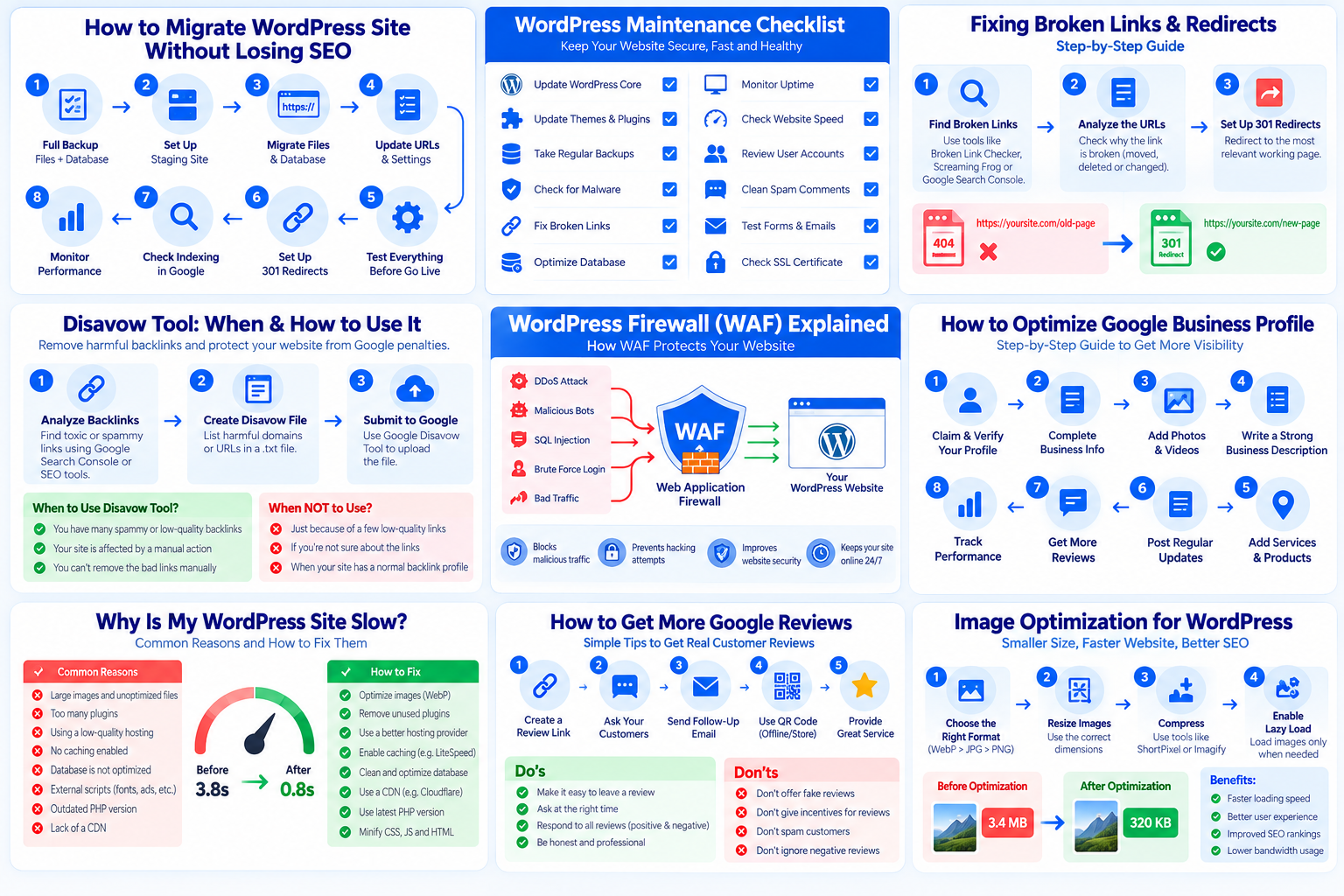
What a WAF does
A WAF sits between visitors and your WordPress site. It looks at each request and decides whether to allow, challenge or block it. It can stop:
- Requests that match known attack patterns
- Bots that hammer your login page or search
- Traffic from sources you have blocked
- Requests that exceed a rate limit you set
Think of it as a security guard at the door. It checks who comes in, but it does not repair a broken lock inside.
Types of WAF
Cloud or DNS-level WAF
Traffic goes through the provider first, and only filtered traffic reaches your server. This keeps bad requests away from your hosting, and often brings caching and DDoS protection too. You usually change your DNS to set it up. To get the full benefit, make sure your server only accepts traffic that comes through the firewall.
Server or host-level WAF
Your hosting company runs the filtering on the server. Many hosts include some form of this. Ask your host what rules they run, how you can see what was blocked and whether you can adjust it.
Plugin-level (application) WAF
A WordPress plugin filters requests after they reach your server and WordPress starts to load. It is easy to install and sees WordPress details, but it uses your server resources, and it cannot stop traffic from reaching your server in the first place.
Do you need one?
A WAF is most useful when:
- Your login page or site gets heavy bot traffic
- You run a shop, membership site or lead-generation site where downtime costs money
- You cannot always update plugins right away
- You have been hacked before and want an extra layer
A small site that is updated often, backed up and uses 2FA is already in a better position than a neglected site with a WAF. A WAF adds to good habits. It does not replace them.
How to choose
- Start with what your host offers. Ask what is included and how to read the logs.
- Match the type to your risk. Cloud-level is stronger at keeping junk traffic off your server. A plugin is simpler for small sites.
- Check logs and control. You should be able to see what was blocked and why, and allow trusted traffic.
- Check compatibility. Make sure it works with your checkout, forms, REST API and any services that call your site.
- Check support and updates. Rules need regular updates. Avoid abandoned products.
- Avoid exaggerated promises. No WAF stops everything. Be careful with anyone who promises total protection.
Set up and test safely
- Back up your site before any change. See how often to back up WordPress.
- Use a learning or monitoring mode first, if the product has one. This shows what it would block before it actually blocks.
- Allow what must work: your own IP for admin work, payment services, webhooks and search engine bots you want.
- Turn on rate limiting for your login page. Combine it with two-factor authentication.
- Test important actions: log in, submit forms, check out, use search and open your pages in a private window.
- Check Google can still crawl your site. Use Search Console’s URL inspection on a few key pages, and review your robots.txt and any bot rules.
- Review the logs weekly at first. Look for false blocks of real customers and fix them.
If you want expert setup and testing, see my WordPress security service, which includes hardening and firewall setup.
What a WAF cannot do
- It cannot remove malware that is already on your site. See my guide to finding WordPress backdoors.
- It cannot make an outdated plugin safe. Keep everything updated. See how to update WordPress plugins safely.
- It cannot protect you if your hosting account, FTP or email is compromised.
- It may block real users by mistake, which is why testing matters.
Common mistakes
- Installing a WAF and then skipping updates
- Turning on strict rules without testing checkout and forms
- Using a cloud WAF but leaving the origin server open to direct traffic
- Running two firewall plugins that conflict
- Never reading the logs
- Believing a WAF means you do not need backups
FAQ
Is a WAF the same as a security plugin?
Not exactly. A security plugin may include a firewall, scanner and login protection. A WAF is the part that filters traffic. Some WAFs run outside WordPress entirely.
Will a WAF slow down my site?
A cloud WAF can speed things up if it also caches content. A plugin WAF uses your server’s resources, so check its effect on your site speed.
Will a WAF affect my SEO?
It should not, if it allows search engine bots. A wrong rule can block them, so test with Search Console.
Can a WAF stop all hacks?
No. It reduces risk, but updates, backups, strong passwords and 2FA are still needed.
Not sure which firewall setup fits your site? I will look at your hosting and risk and set it up without breaking your pages. See my WordPress security and malware removal service.
About the author: Hridoy Ahmed is an SEO specialist and WordPress security expert based in Dhaka, Bangladesh. He has 8+ years of experience and works with clients worldwide.