
By Hridoy Ahmed | Last updated: October 2026 | 7 min read
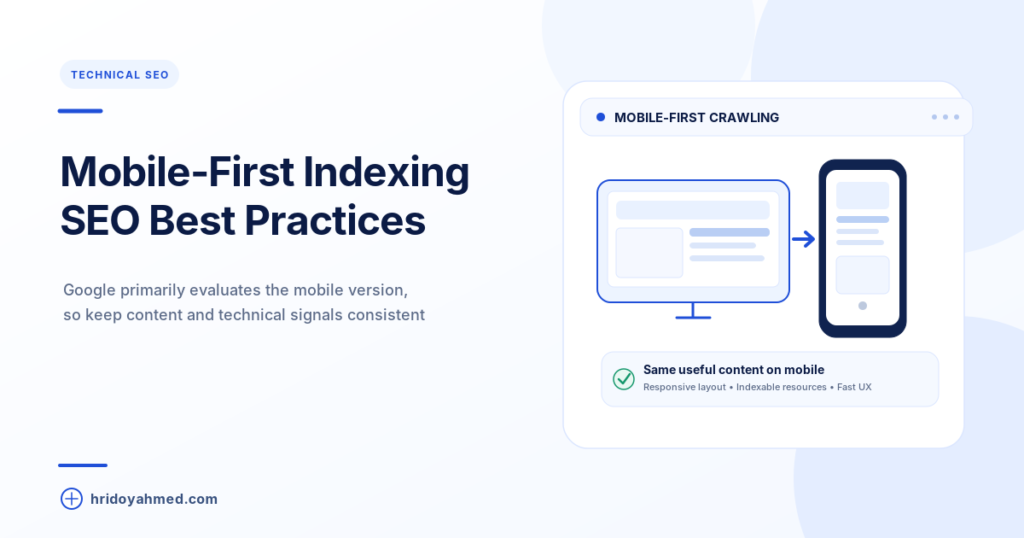
Short answer: Mobile-first indexing means Google mainly uses the mobile version of your page to index and rank it. It does not mean mobile-only. If your mobile page shows less content, different links or different structured data than your desktop page, Google may see less of your site than you think. Check that both versions match.
In this guide
- What mobile-first indexing means
- Why it matters for your site
- How to check your site
- What to fix
- Common mistakes
- FAQ
What mobile-first indexing means
Google crawls your pages with a smartphone crawler. It uses what that crawler sees to index your content and to rank it. Google’s own documentation says a mobile version is not required to be included in search, but it is very strongly recommended. Google has also said mobile-first indexing has been the default for new sites since July 2019.
The word “first” matters. Desktop users still get your desktop page. Mobile-first only describes which version Google reads when it builds its index. You can see which crawler Google uses for your site in Search Console under Settings.
Why it matters for your site
If your content is the same on mobile and desktop, you usually have nothing to fix. Problems start when the mobile page is a cut-down version. Text hidden or removed on mobile, missing internal links, or missing structured data can mean Google never sees them. This is a technical SEO issue, so it belongs in every technical SEO checklist.
If you want an expert to check this on your site, see my technical SEO service.
How to check your site
- Open your page on a phone. Look for missing text, images, menus or buttons compared with desktop.
- Use the URL Inspection tool in Search Console. Run a live test and view the tested page. Check that the rendered HTML and screenshot show your main content and links.
- Compare key elements. Titles, headings, meta descriptions, main text, internal links and structured data should match on both versions.
- Check your robots rules. Your robots.txt should not block the CSS, JavaScript or images your pages need. Google also warns that a different robots meta tag on mobile, especially noindex or nofollow, can stop a page from being indexed.
- Check page experience on mobile. Use PageSpeed Insights and the Core Web Vitals report in Search Console, and look at the mobile data.
Google retired its standalone Mobile-Friendly Test and the Mobile Usability report in late 2023, so use the steps above instead of looking for those tools.
What to fix
- Same main content on both versions. If you hide or remove content on mobile to save space, Google may not count it.
- Same structured data and metadata. Add the same schema, titles and descriptions on mobile and desktop.
- Do not rely on clicks to load main content. Content that only loads after a tap or an unusual scroll can be missed by a crawler.
- Good images and video. Use real image tags with alt text and a format Google can index.
- Separate mobile URLs (m-dot sites). These need extra care. Make sure each mobile URL has an equivalent desktop URL and that redirects do not send many URLs to the same page.
A responsive theme serves the same HTML to all devices, which avoids most of these problems. That is one reason I build and review sites with a responsive layout, as covered in my SEO and technical SEO work.
Common mistakes
- Hiding text or links on mobile only
- Blocking CSS or JavaScript in robots.txt, so Google cannot render the page
- Using different structured data on mobile and desktop
- Placing popups that cover the whole mobile screen
- Checking only the desktop version after a redesign
FAQ
What is mobile-first indexing?
It means Google mainly uses the smartphone version of your page for indexing and ranking. Desktop users still see your desktop page.
Is mobile-first indexing a ranking factor?
It is an indexing method, not a ranking bonus. A mobile page that shows less content than desktop can still cause you to lose visibility, because Google sees the mobile content.
How do I know if my site uses mobile-first indexing?
Open Search Console and go to Settings. It shows the crawler Google uses for your site. A smartphone crawler means mobile-first indexing.
Do I need a separate mobile site?
No. A responsive design that serves the same page to every device is usually simpler and easier to keep consistent.
Can I opt out of mobile-first indexing?
No. Google keeps one index. The fix is to make your mobile page complete.
Want someone to check your mobile pages? I can review your site for mobile-first problems and other technical issues. See my SEO and technical SEO service.
About the author: Hridoy Ahmed is an SEO specialist and WordPress security expert based in Dhaka, Bangladesh. He has 8+ years of experience and works with clients worldwide.