
By Hridoy Ahmed | Last updated: October 2026 | 7 min read
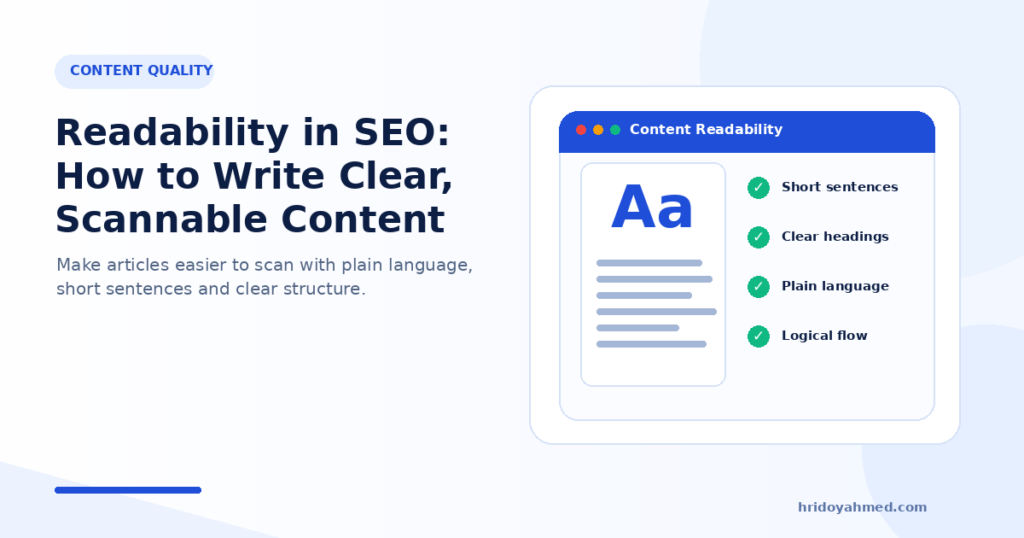
Short answer: Readability is how easily a person can read and understand your page. Google has not said that readability scores are a ranking factor, so do not chase a number. Still, plain words, short sentences, clear headings and scannable layout help visitors find answers, and that is the point of a page. Here are 9 habits to apply.
In this guide
- What readability means
- Is readability an SEO factor?
- 9 habits for clear content
- A before-and-after example
- How to check your page
- Common mistakes
- FAQ
What readability means
Readability is about effort. How hard does a reader have to work to understand your page? Long sentences, heavy jargon and walls of text raise the effort. Plain words, short paragraphs and clear headings lower it.
It matters most for the reader who is in a hurry, who reads on a phone, or who reads English as a second language. For many sites, that is most of the audience.
Is readability an SEO factor?
Not officially. Google has not said that a readability score, such as a Flesch score, affects rankings. The scores shown in SEO plugins are plugin checks, not signals from Google.
The honest reason to care is simple: if people cannot find the answer, they leave, and the page does not do its job. Google’s guidance asks for helpful, people-first content, and clear writing is part of that. See E-E-A-T explained for the wider view.
9 habits for clear content
1. Answer first
Give the direct answer in the first two or three sentences. Then explain.
2. Use short sentences
Aim for one idea per sentence. If a sentence needs two commas and a bracket, split it.
3. Use plain words
Write “use” instead of “utilize” and “fix” instead of “remediate”. If you must use a technical term, explain it once.
4. Keep paragraphs short
Two to four sentences is a good size. White space makes a page feel easier, especially on mobile.
5. Write headings that describe the section
A reader who scans only the headings should understand the outline of the page. Keep the heading order logical: H2 for main sections, H3 for parts inside them.
6. Use lists and tables where they fit
Steps belong in a numbered list. Comparisons belong in a table. Do not force everything into bullets, though. Explanations still need sentences.
7. Make link text descriptive
“See my on-page SEO checklist” tells the reader and the search engine where the link goes. “Click here” does not.
8. Check the visual basics
Use dark text on a light background, a comfortable font size and enough line spacing. Test the page on a real phone, not only on a desktop screen.
9. Cut what does not help
Remove filler openings, repeated points and sentences that exist only to add length. If you want to plan a page before writing, see how to plan an SEO content brief.
A before-and-after example
Before: “In order to facilitate an improvement in your page loading performance, it is highly recommended that you consider the implementation of a caching solution.”
After: “To make your page load faster, add a caching plugin.”
The second version is shorter, has one idea and tells the reader what to do.
If you want an expert eye on your key pages, see my SEO and technical SEO service.
How to check your page
- Read it aloud. Mark every place where you run out of breath or stumble.
- Scan only the headings. Do they tell the story of the page?
- Look at it on your phone. Are the paragraphs too long? Can you tap the links?
- Use a readability tool as a hint. Free editors, such as Hemingway Editor, or your SEO plugin’s content checks can point out long sentences. Treat the result as a hint, not a target.
- Ask one real reader. Someone who does not know the topic will find the unclear parts fast.
Common mistakes
- Chasing a green score and making the text sound robotic
- Making sentences so short that the page feels choppy
- Removing the details that make the page useful
- Using bullets for everything
- Writing for the tool instead of the reader
- Publishing AI text without reading it. See AI-generated content and SEO
FAQ
Does readability affect SEO?
Google has not confirmed that it does. Clear writing still helps visitors, and satisfied visitors are the goal.
What reading level should I aim for?
There is no fixed level. Write for your audience. Plain language works for almost everyone, including experts who are short of time.
Are readability scores in SEO plugins important?
They can point out long sentences or long paragraphs. They are not signals from Google, so do not sacrifice good writing to improve a score.
Should I simplify technical topics?
Yes, but keep the facts accurate. Explain terms once and use examples. Do not remove the details readers need.
Want your pages clearer and easier to use? I review your key pages for structure, clarity and search intent, and tell you what to fix first. See my SEO and technical SEO service.
About the author: Hridoy Ahmed is an SEO specialist and WordPress security expert based in Dhaka, Bangladesh. He has 8+ years of experience and works with clients worldwide.