
By Hridoy Ahmed | Last updated: October 2026 | 6 min read
Short answer: Search engines crawl your site by following links and reading your sitemap. To help them, keep a clear internal link structure, submit an XML sitemap, avoid blocking important pages in robots.txt, fix broken links and redirect chains and keep the site fast. Crawling is the first step. A crawled page is not always indexed.
In this guide: 1. How crawling works | 2. What helps | 3. What blocks crawling | 4. How to check | Common mistakes | FAQ
1. How crawling works
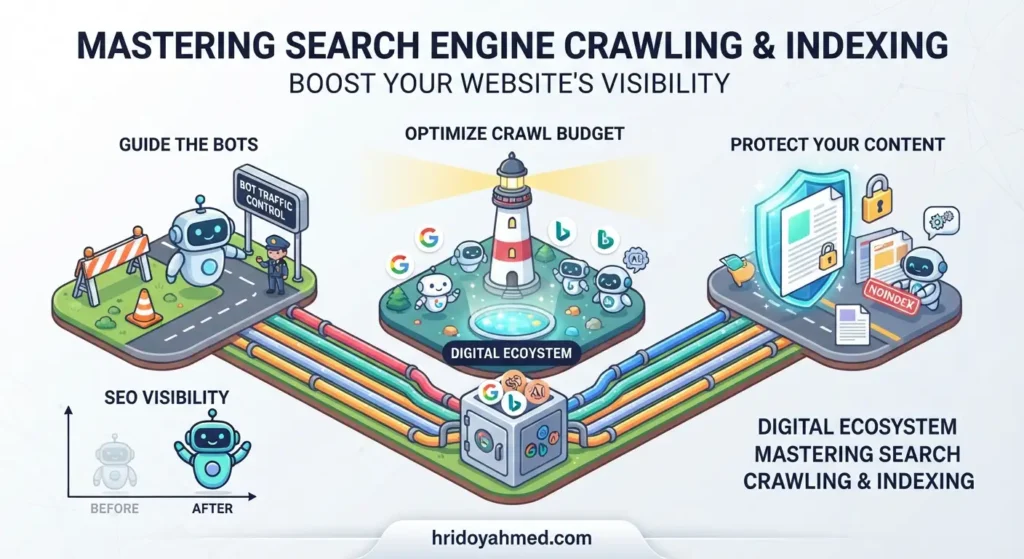
Search engines use programs called crawlers, such as Googlebot. A crawler starts from known URLs, reads each page and follows the links to find more. It then decides what to index and show in results. If a page cannot be crawled, it usually cannot be indexed properly.
2. What helps search engines crawl your site
- Internal links. Every important page should be linked from other pages. Pages with no links to them are hard to find.
- An XML sitemap. It lists the URLs you want found. See my guide on how to create and submit an XML sitemap.
- A clean robots.txt. It should not block pages you want in search. See how to create a robots.txt file for WordPress.
- A fast, stable server. Slow or failing responses can reduce how much of your site gets crawled.
- Few errors and redirects. Fix 404 pages and long redirect chains.
3. What blocks crawling
- A robots.txt rule that blocks a folder or the whole site
- Links that only work with JavaScript or a login
- Pages with no internal links
- Server errors and timeouts
Note that noindex is different from blocking. A noindex tag lets a page be crawled but asks search engines not to show it. A robots.txt block stops crawling, so Google may not see a noindex tag on that page.
4. How to check how your site is crawled
- Open the Pages report in Google Search Console to see indexed and not indexed URLs.
- Use the URL Inspection tool on a key page.
- Check Crawl Stats in Search Console settings for errors and response times.
- Crawl your site yourself with an SEO crawler and compare it with your sitemap.
If important pages are not showing up, read why a page is not indexed by Google. For a full review, see my technical SEO service.
Common mistakes
- Blocking CSS or JavaScript files that pages need to render
- Leaving a staging noindex or robots block on the live site
- Listing redirected or error URLs in the sitemap
- Thinking more crawling means better rankings
FAQ
What is crawl budget?
It is the amount of crawling a search engine is willing and able to do on your site. Most small sites do not need to worry about it. Large sites with many URLs should pay attention.
How often does Google crawl my site?
It varies by site. Sites that change often and respond quickly tend to be crawled more. There is no fixed schedule.
Can I ask Google to crawl a page?
Yes. Use the URL Inspection tool in Search Console and request indexing. It does not guarantee the page will be indexed.
Is crawling the same as indexing?
No. Crawling means the page was fetched. Indexing means it was stored and can appear in results.
Want a crawl and indexing check? I review robots.txt, sitemap, canonicals and noindex tags and fix what blocks your pages. See my technical SEO services.
About the author: Hridoy Ahmed is an SEO specialist and WordPress security expert based in Dhaka, Bangladesh. He has 8+ years of experience and works with clients worldwide.